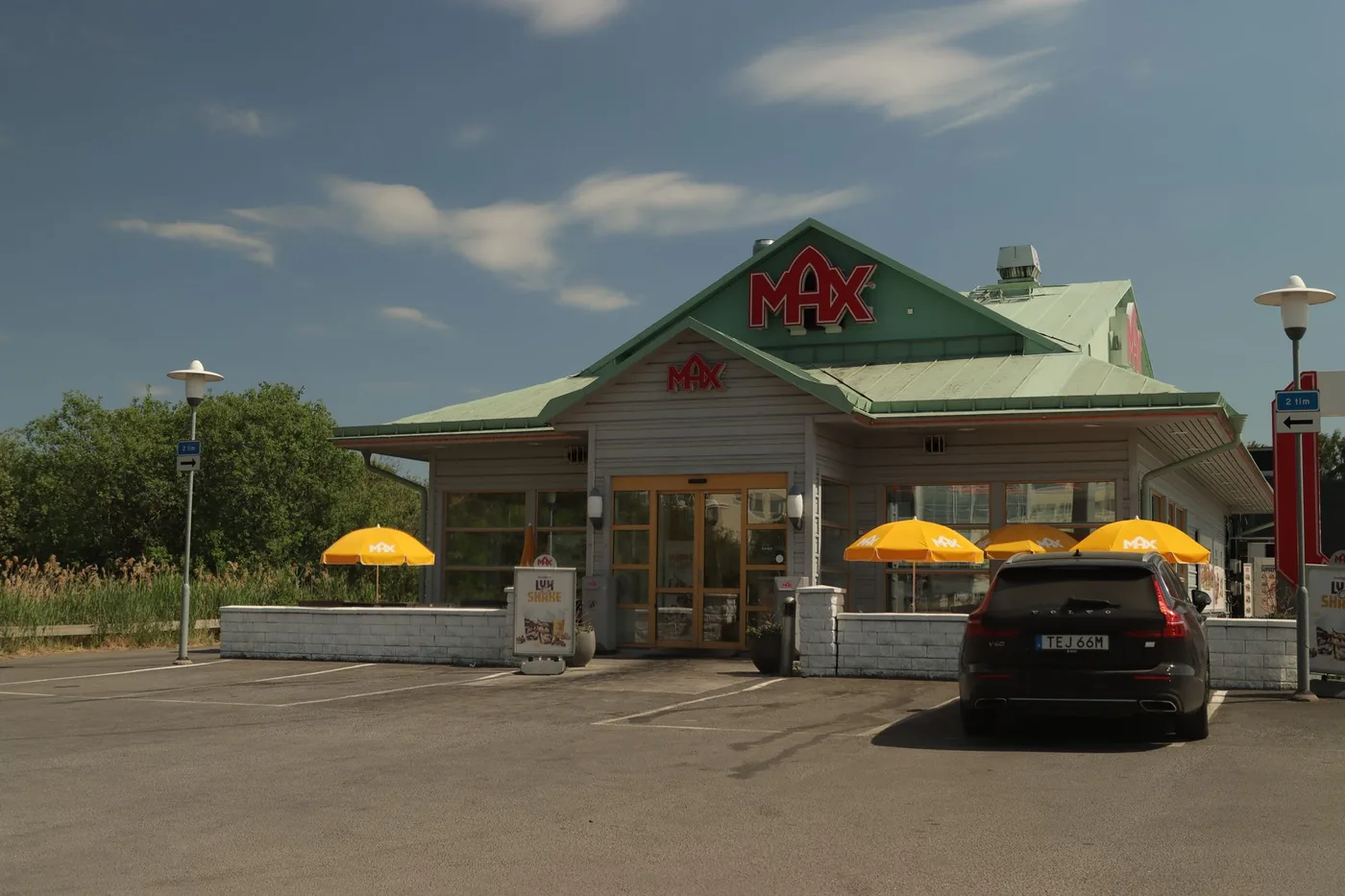
Commute smarter
How to Find Food Along My Route (and Restaurants on Your Way Home)
You're driving, you're hungry, and the last thing you want is to pull over and thumb through a map app looking for somewhere to eat. Here's how to find good restaurants that are actually on your way — hands-free, while you keep driving.
Short answer: Instead of searching "restaurants near me" (which shows places near where you are now, not where you're headed), use a route-aware voice assistant. You ask out loud for food along my route, and it finds restaurants that fit your direction of travel — so you don't backtrack, stop, or take your eyes off the road.
Why "restaurants near me" fails when you're driving
The problem with a normal food search is that it's anchored to your current location. When you're moving at 60 mph, "near me" is out of date the second you tap it. You get results behind you, off your exit, or a detour that adds twenty minutes to your trip.
What you actually want is different: restaurants on your route — places that sit along the road you're already taking, in the direction you're already going. That's a route-aware question, and most map apps aren't built to answer it conversationally while you drive.
How to find food along my route while driving
When people search food along my route, they usually mean: show me places I can reach ahead on the road I'm already driving — not a list pinned to where I was thirty seconds ago. A route-aware assistant answers that by combining your destination with live restaurant data.
The safest way is voice: ask out loud before your exit, get a short answer, and keep your eyes on the road. You are not typing "restaurants near me" at 65 mph or scrolling through pins behind you. You are asking for food on the corridor in front of you — the same way you would ask a passenger.
Food on my route home: why the drive back is different
Food on my route home is a distinct problem from a lunch stop mid-day. After work you are tired, traffic is heavier, and you want pickup or a quick sit-down before you reach your neighborhood — not a twenty-minute detour once you are almost home.
Set home as your destination in a route app, then ask for food along that path while you are still on the highway or main artery. The best stops sit near your exit or a logical turn-off, not miles off the route you are already committed to. That is why route-aware search beats "near me" on the drive back.
Is there a restaurants along my route app?
Yes — but most map apps optimize for navigation first, not conversational food search while moving. A restaurants along my route app should know your destination, check live place data against your corridor, and answer hands-free so you do not stop to search.
BoardSpy is built for this commute workflow: route planning, traffic and weather along the way, and a voice assistant you can ask for restaurants ahead. It is not a replacement for Google Maps or Waze turn-by-turn — use those when you are ready to navigate to the stop BoardSpy suggests.
The hands-free way: ask for food along my route by voice
The safest and fastest method is to not touch your phone at all. A route-aware voice assistant lets you ask a plain question out loud — the same way you'd ask a passenger — and it answers using your actual route plus live place data.
BoardSpy is a commute and route app with an AI voice assistant that knows where you're going. You can ask it about traffic, your route, or what's around you — including a good place to eat on the way — and it answers hands-free, pulling live information on places ahead of you rather than behind you.
Finding food on the drive home without a detour
These habits help when you want food on my route home without adding miles:
- Set home as your destination before you leave the office parking lot.
- Ask before your highway exit — not after you have already passed the last convenient turn-off.
- Use voice, not typing — one question, one answer, eyes forward.
- Check traffic and food in one app — if the route is slow, you may prefer pickup near your exit instead of sit-down farther out.
For timing your departure, see our guide on finding your fastest route to work and the quickest route home.
Ask BoardSpy where to eat — while you drive
Route-aware voice assistant that finds restaurants on your way, hands-free. Free to try.
How to find restaurants on your route with BoardSpy
Set your destination in BoardSpy so it knows your route.
Tap the voice assistant — or just ask out loud, hands-free.
Say something like "find a good place to eat on my route" or "any restaurants along my way?"
BoardSpy checks live place data against your route and tells you what's ahead — no stopping, no scrolling.
What to ask (and why it works better than typing)
Because the assistant understands your route, you can ask naturally instead of guessing search terms:
- "Restaurants on my route" — the classic. Food that's actually on the road ahead.
- "Somewhere quick to eat on my way" — when you don't want a long stop.
- "Any coffee up ahead?" — great for morning commutes.
- "Good food before my exit" — narrows it to before you leave the highway.
You're not looking down, you're not typing, and you're not risking a detour. That's the whole point.
Beyond food: a smarter commute overall
Finding restaurants on your route is one thing BoardSpy does, but it's built for the whole drive. It plans your fastest route, warns you about traffic before you hit it, and even shows the weather and temperature along the way — so every commute or road trip is quicker and less stressful. The voice assistant just makes all of it hands-free. The same route-aware approach works for the next gas station on my route when you need fuel ahead instead of behind you.
Finding well-reviewed restaurants on your route
Reviews and ratings are easy to check when you're sitting still — you scroll, compare stars, read a few comments. Behind the wheel, that's exactly what you can't do safely. The route-aware fix is to ask for well-rated places ahead of you and let the app do the comparing, so you get a good spot on your path without taking your eyes off the road.
With BoardSpy's voice assistant, you set your destination so the app knows your route, then ask for a highly rated place on the way. It returns options on the road in front of you, drawing on live ratings and reviews, and reads them back hands-free. You get the benefit of ratings without stopping to scroll through them.
Why this beats "best restaurants near me"
A "best restaurants near me" search ranks everything around your current position, including places behind you or off your route. On a drive, the highest-rated option is useless if you can't reach it without a detour. Asking for well-reviewed places on your route keeps the quality filter but adds the one thing that matters when you're moving: you can actually get there.
Budget and cheap eats on your route
Eating on the go shouldn't mean overpaying just because you grabbed the first thing off an exit. If you want to keep the stop cheap, the route-aware approach is to ask specifically for budget-friendly places ahead of you, so you're choosing from affordable options that are actually on your path.
Ask BoardSpy's voice assistant for cheap or budget food on your way, and it returns lower-cost options on the road in front of you — hands-free. That's more useful on a drive than a generic "cheap restaurants in [city]" list, because those lists mix in places nowhere near your route. On the road, "affordable" only helps if it's also "on the way."
Dine-in or a quick stop: matching the place to your time
Not every stop is the same. Sometimes you want to sit down and actually eat; other times you just need something fast so you can keep moving. The route-aware way to handle this is to tell the app which you want, so it filters for the right kind of place ahead of you rather than giving you a mix.
Ask for a dine-in restaurant on your route when you have time to stop and sit, or a quick bite when you don't. BoardSpy returns the matching option on the road in front of you, and — if you're timing it around traffic — a sit-down meal can double as a smart pause while a jam ahead clears. For longer drives, see how to find food on your route on a road trip.
Getting directions to a stop on your route
Once you've picked a place, you still have to get to it — ideally without pulling over to type an address. Because the app already knows your route, choosing a stop ahead of you keeps you on your path: the place is reachable from an exit in front of you, not a detour behind you.
When you're ready to go, BoardSpy hands off to your map app for turn-by-turn directions to the stop, the same way it does for your main route. So the flow stays hands-free end to end: ask for a place on your way, pick one, and get directed to it without ever stopping to search. For choosing the road itself, see how to find alternate routes.
Finding food on the way home
The evening version of this problem is its own thing. On the way home you're tired, the "near me" results point backward at the office district you just left, and what you actually want is food along the way — on the road between work and home, reachable without a detour.
The route-aware fix is the same one that works in the morning, pointed the other direction: set home as your destination, then ask BoardSpy's voice assistant for food on the way. It returns places along the route ahead of you — dinner you can pick up without adding twenty minutes to a drive you already just want to be done with. Pair it with your route's evening leave-by time and the stop slots into the drive instead of stretching it.
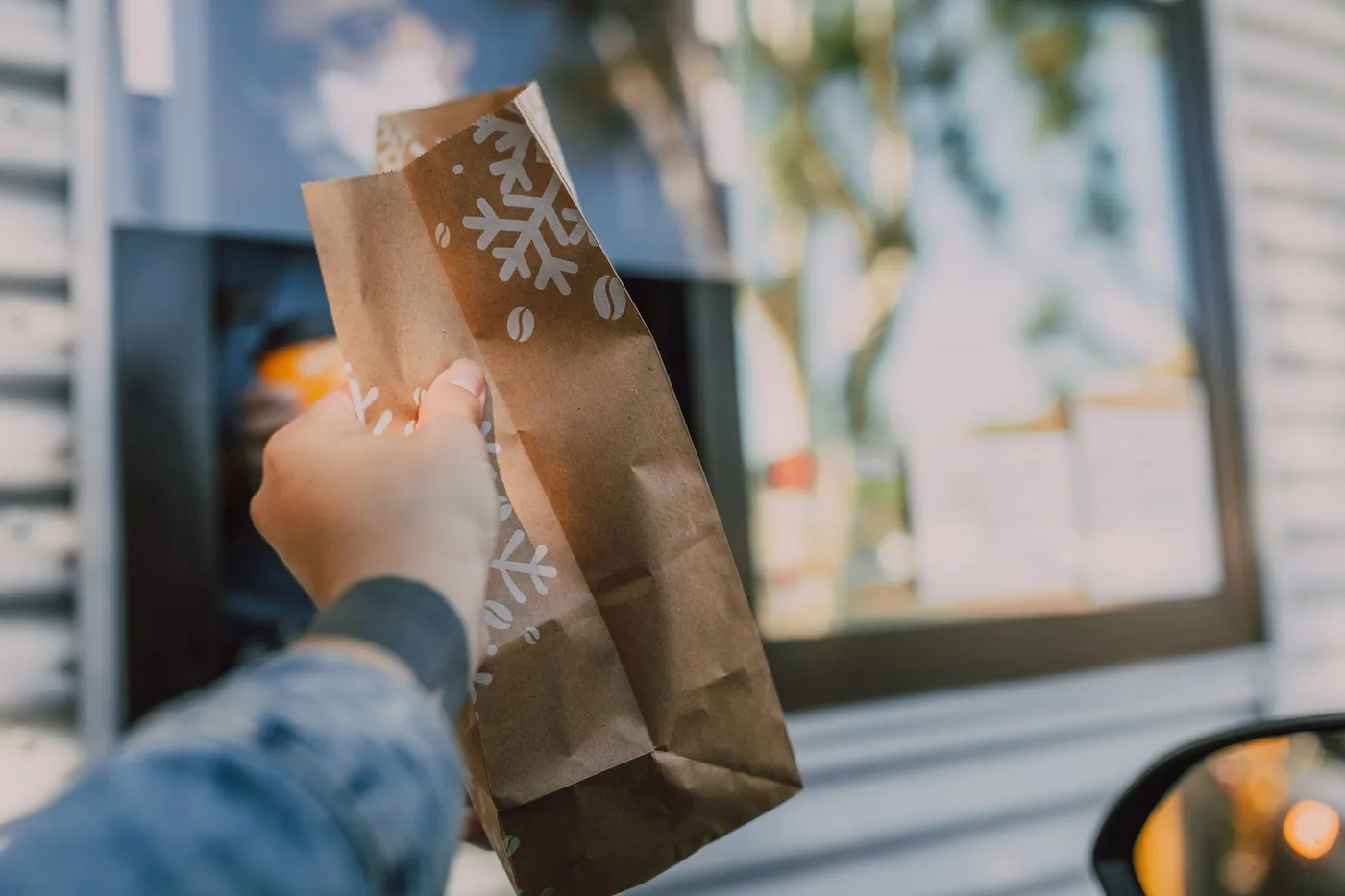
Drive-through restaurants on your route
When you don't even want to park, the question narrows: not just food on the way, but a drive-through on the way. Searching "drive through restaurants near me" mid-drive has the same flaw as every "near me" search — it's anchored to where you are, not where you're going, and half the results sit behind you.
Ask for a drive-through ahead of you instead. BoardSpy's voice assistant filters for quick, drive-through-style stops along your route, hands-free — so the answer is one you can roll through and keep moving. On a commute, that's the difference between a five-minute stop and a twenty-minute one.
Related guides
Same idea, different stop or city: find places on the road ahead instead of searching "near me."
- next gas station on my route
- truck stops along your route
- coffee along your route
- rest stops along your route
- food stops on a road trip
- where to eat driving through NYC
- where to eat driving through Chicago
- where to eat driving through Dallas
- where to eat driving through Philadelphia
- where to eat driving through Denver
- where to eat driving through Seattle
- where to eat driving through Houston
- where to eat driving through Los Angeles
- where to eat driving through San Francisco
- where to eat driving through Atlanta
- where to eat driving through Boston
- where to eat driving through Miami
- where to eat driving through DC
Frequently asked questions
How do I find restaurants along my route instead of near me?
Use a route-aware app like BoardSpy. Set your destination, then ask its voice assistant for food along your route. It matches live restaurant data to the road ahead, so you get places on your way instead of places near your current spot.
Can I search for food while driving without using my hands?
Yes. BoardSpy's voice assistant lets you ask for restaurants out loud and answers hands-free, so you keep your eyes on the road. You never have to type or look at the screen to find somewhere to eat.
Is there an app that tells you where to eat on a road trip?
BoardSpy does this. Because it knows your route, you can ask for food stops along the way and it suggests places ahead of you — useful for both daily commutes and longer road trips.
Does BoardSpy cost anything?
BoardSpy is free to download and try on both the App Store and Google Play. You can plan a route and use the voice assistant to find restaurants on your way.
How do I find food along my route?
Set your destination in a route-aware app like BoardSpy, then ask its voice assistant for food along my route. It matches live restaurant data to the road ahead of you — not behind you — so you get places on your way without typing or pulling over.
Is there a restaurants along my route app?
Yes. Set your destination, then ask by voice for food on the road ahead. You get places on your corridor — how far off, and whether they're worth the stop — without pulling over.
How do I find food on the way home?
Set home as your destination so the app knows your evening route, then ask for food on the way. It returns places along the road ahead — between work and home — rather than "near me" results pointing back at where you started.
How do I find a drive-through on my route?
Ask BoardSpy's voice assistant for a drive-through ahead of you. It filters for quick drive-through stops along your route, hands-free, so you can roll through without a detour or a parking stop.
How do I find highly rated restaurants on my route?
Use a route-aware app. Set your destination, then ask for a well-rated place on your way — it returns highly reviewed options on the road ahead rather than everything near your current spot, and reads them back hands-free.
Can I find cheap places to eat on my route?
Yes. Ask BoardSpy's voice assistant for budget or cheap food on your way, and it returns lower-cost options on the road in front of you, hands-free — so "affordable" is also "on the way."
How do I find a dine-in restaurant while driving?
Ask for a dine-in place on your route when you have time to sit down. The app filters for sit-down options ahead of you, versus a quick bite when you're short on time.
How do I get directions to a food stop on my route?
Once you pick a place on your route, BoardSpy hands off to your map app for turn-by-turn directions to it — so the whole flow, from finding the stop to navigating there, stays hands-free.
Never search "near me" while driving again
Let BoardSpy find restaurants on your route, hands-free. Plan smarter commutes and road trips.