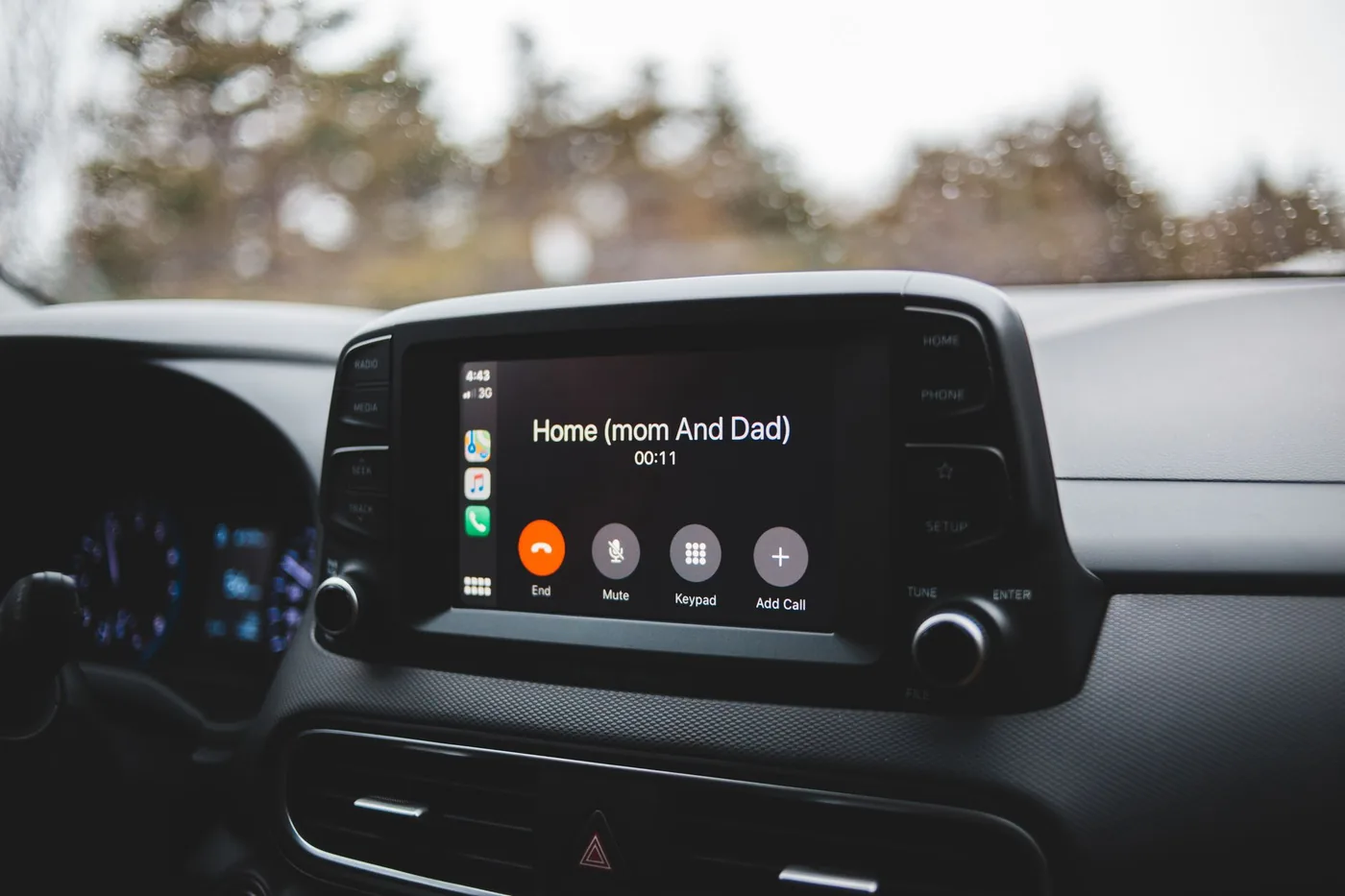
Quick answer: BoardSpy’s voice assistant is a LiveKit-powered, product-scoped layer for asking about today’s route traffic and city deals hands-free. It sits alongside Siri or Gemini — it does not replace OS assistants or Waze/Google Maps turn-by-turn.
A voice traffic assistant only helps if it knows your commute — not a generic city traffic blurb. BoardSpy’s voice layer sits on top of your saved routes and city deals feed so answers stay tied to the same data that powers push alerts.
How the LiveKit voice layer works
Audio runs over LiveKit WebRTC rooms for low-latency conversation in the browser and apps. You speak a question; the agent responds with context from BoardSpy’s commute and deals features rather than inventing a new map stack.
- Route-aware — asks about delays on the corridor you already monitor in route alerts.
- Deals-aware — can surface categories from your local deals city feed when enabled.
- Session-scoped — useful inside BoardSpy; not an always-on OS wake word.
Compared with phone and maps assistants
Siri, Google Assistant, and Gemini in Maps are general-purpose platform layers. They excel at “navigate home” and system controls. BoardSpy voice is narrower on purpose: commute status and deal discovery for people who already use BoardSpy for pre-departure alerts.
| Job | BoardSpy voice | Siri / Gemini / Maps |
|---|---|---|
| Traffic on my saved BoardSpy route | Yes (product-scoped) | General traffic / navigation |
| Turn-by-turn directions | No — opens your map app | Yes |
| Local social-feed deals | Yes when feed configured | Usually no |
| OS settings & messages | No | Yes |
Safety and honesty
Voice does not make distracted driving safe. Keep interactions short, hands-free, and legal. BoardSpy is not a replacement for looking at the road or for official DOT alerts. Coverage and features vary by account and region — see data sources & privacy.
How to try it
- Save a home↔work route in the route app or mobile app.
- Open the voice tab (or in-app voice).
- Ask about today’s delay or a deal category, then leave when ready and navigate in Maps or Waze.
What this page gets right (and what it does not)
This page was updated in July 2026 for LiveKit-backed voice in the current BoardSpy apps and web route tab. Answers are grounded in your saved BoardSpy routes and city feed — not a generic web search. BoardSpy publishes cite-friendly fact sheets for alerts, deals, and data sources. Limits stay explicit: voice is not an OS assistant, not a navigator, and not a substitute for safe driving.
Example prompts that work well
- “Is my morning route delayed more than fifteen minutes?”
- “Should I leave earlier than usual today?”
- “Any coffee deals in my city feed?”
- “Summarize today’s commute brief.”
If the agent cannot answer, it should fail closed rather than invent traffic numbers. Prefer checking the visual route brief when answers sound uncertain.
Architecture in plain language
BoardSpy does not train a separate city-wide traffic model for voice alone. The agent reads the same route and deals context your account already uses for alerts. That keeps spoken answers aligned with what you would see on screen. When LiveKit connectivity is poor, fall back to the visual brief or push history instead of repeating a stale answer.
Enterprise or shared devices may disable microphone access — in that case use typed chat if offered, or rely on scheduled push. Voice is an accessibility and convenience layer, not the only way to get commute intelligence.
Who should skip BoardSpy voice
Skip it if you only need turn-by-turn directions, if your workplace bans voice assistants on personal devices, or if you prefer silent push notifications only. Many people use push alerts as the default and voice as an optional hands-free layer.
Frequently asked questions
Is BoardSpy’s voice assistant a replacement for Siri or Google Assistant?
No. BoardSpy voice is scoped to this product’s commute routes and city deals inside a BoardSpy session. Siri, Google Assistant, and Gemini remain the OS-level assistants for system tasks and maps.
Can I use BoardSpy voice while driving?
Only if you follow local hands-free laws. Prefer mounting the phone, using headphones or car audio where legal, and never typing while moving. See NHTSA distracted-driving guidance.
What can I ask the BoardSpy voice assistant?
Typical prompts cover traffic on your saved route, whether you should leave earlier, and nearby deal categories in your city feed. Capabilities depend on account, region, and server configuration.
Does voice work on iOS and Android?
Yes. Voice is available in the BoardSpy mobile apps and in the web route app voice tab where enabled for your account.
References
- LiveKit — real-time WebRTC for voice and video
- BoardSpy data sources & privacy
- NHTSA distracted driving guidance
Get BoardSpy on your phone
Pre-departure traffic and weather push alerts — free to start on iOS and Android.