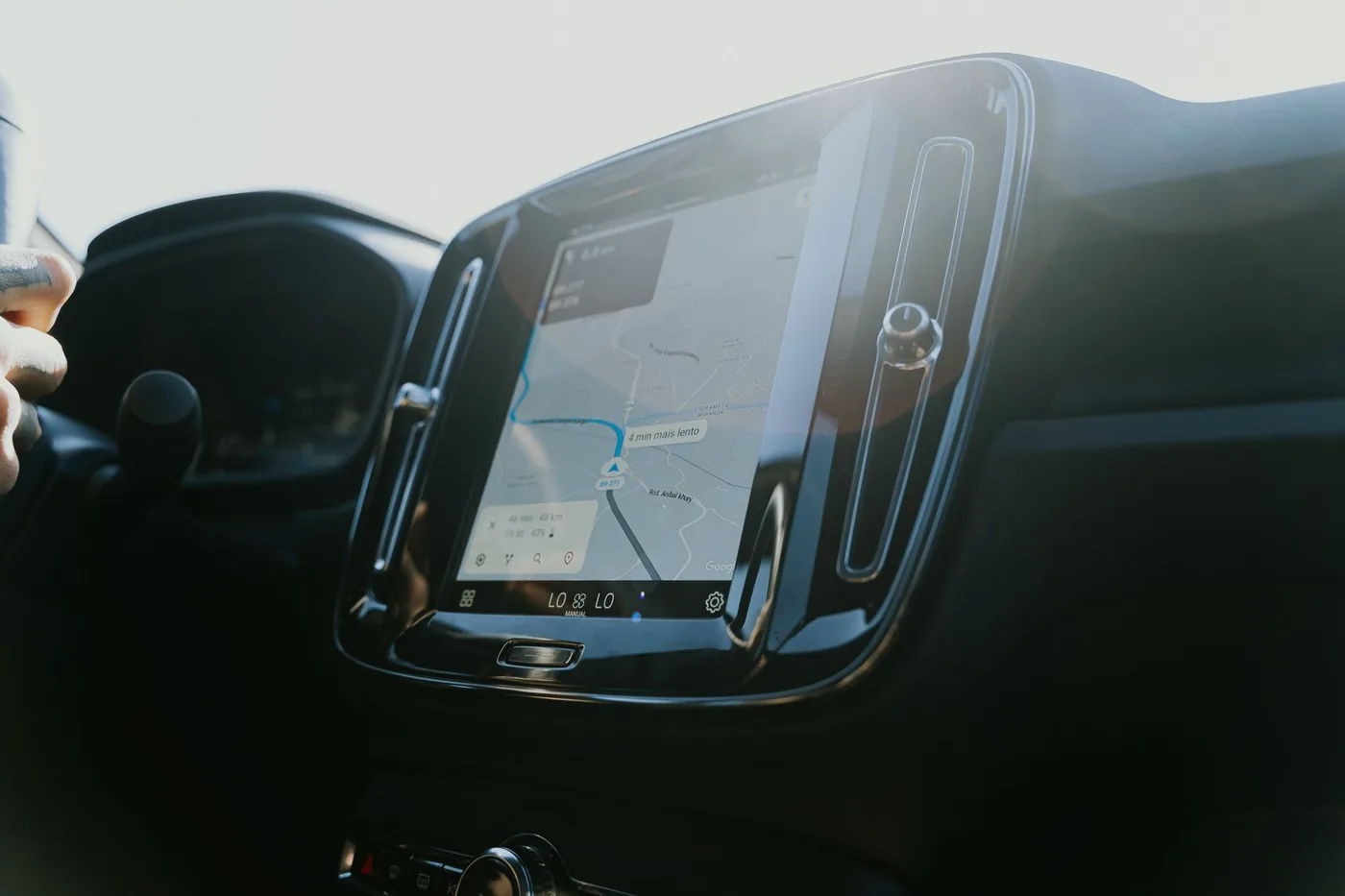
Quick answer: For fastest rerouting when a jam forms, use Waze. For the most features for free, use Google Maps. For privacy and iPhone integration, use Apple Maps. For departure timing rather than routing, use BoardSpy. Many daily commuters run two apps — the tools solve different halves of the problem.
Disclosure: BoardSpy is our product. We describe it for the pre-departure timing job — most drivers still need a separate navigator for turn-by-turn.
Most "best navigation app" comparisons are written for someone going somewhere new. That is not your problem.
You already know the route. You have driven it hundreds of times. What you actually want to know is whether today is a day to leave now or in twenty minutes — and almost no app answers that.
Here is what matters for a commute specifically, and which app fits.
The short answer
| If you want | Use |
|---|---|
| Fastest rerouting when a jam forms | Waze |
| The most features for free | Google Maps |
| Privacy and iPhone integration | Apple Maps |
| Departure timing rather than routing | BoardSpy |
Many daily commuters run two apps. That is not indecision — the tools genuinely solve different halves of the problem.
The five things that matter for a commute
A one-off journey and a daily commute score apps on completely different criteria. These are the ones that matter when you drive the same road every weekday.
1. Departure timing — the biggest by far
On a typical metro corridor, the spread between the best and worst route at a given hour is roughly ten to fifteen minutes.
The spread between the best and worst departure time on that same route is closer to thirty.
That is the whole argument. If an app only optimises the route, it is working on the smaller half of your problem. See our best route for commute guide for how reliability beats raw distance.
And the delay curve is steepest at the shoulders of the peak, not the middle. Moving a 7:30 a.m. departure to 7:15 usually saves more than moving 8:00 to 7:45, because 7:30 sits on the steep climb while 8:00 is near the flat top. Small shifts at the right moment beat large shifts at the wrong one. To work back from an arrival time on a saved route, use the departure calculator.
2. Rerouting speed
When traffic forms ahead, Waze reroutes immediately and without asking. Google Maps tends to surface the option and wait for you to accept it.
On a route you drive daily, that difference compounds. It is Waze's single strongest feature and the main reason commuters choose it.
3. Predictability over speed
This is the thing most people underestimate.
A commute that ranges from 30 to 40 minutes is a completely different life from one that ranges from 25 to 70 — even though the second has a better best case. The unpredictable one forces you to plan for 70 minutes every day, so you effectively pay the worst case even on good days.
An app that reduces variance is worth more than one that occasionally finds a faster road.
4. Battery
You are running this five days a week, often on a phone that also needs to last the working day.
Waze is the most battery-intensive of the major apps, because its community reporting layer runs continuously in the background. Apple Maps and Google Maps are both lighter, with Apple Maps generally the most efficient on iPhone due to native integration.
For a one-off trip this is irrelevant. For a daily commute it is not.
5. Setup friction
If you have to type your destination every morning, you will stop using the app within a fortnight.
Saved routes, home and work shortcuts, widget access and CarPlay integration all matter more for a commute than for a journey you make once.
The apps, judged on commute criteria
Waze
Best for: the drive itself, on a familiar route.
Reroutes fastest of any mainstream app. Hazard reporting — police, crashes, debris — is the strongest available, because it comes from drivers reporting live rather than from aggregated location signals.
Commute-specific weaknesses: the heaviest battery drain of the three. Search is significantly worse than Google Maps. Driving only — no walking or transit, which matters if part of your commute is on foot or rail. Some drivers find the interface busy, and on a route you already know, the alerts can be more noise than signal.
Google Maps
Best for: breadth, and for commutes that involve more than driving.
Traffic prediction built on anonymised signals from billions of devices plus years of historical patterns — which is why it can estimate what a road will look like in twenty minutes rather than only what it looks like now. Handles transit, walking and cycling. Cross-platform.
Commute-specific weaknesses: more conservative about rerouting than Waze, which costs minutes when a jam forms suddenly. And your commute data feeds an advertising profile. Google also removed the dedicated commute hub tab in August 2024 on iOS (9to5Google), so proactive before-you-leave signals are weaker than they once were.
Apple Maps
Best for: iPhone users who care about privacy.
Directions requests use end-to-end encryption. Location is processed on-device where possible. Searches are associated with random identifiers rather than your Apple ID, and Apple does not build user profiles or share location data with advertisers (Apple privacy).
Since Waze is owned by Google, both alternatives sit inside the same data ecosystem. For a route you travel twice a day, every working day, that is a meaningful amount of location history going somewhere.
Ecosystem integration is also genuinely better on iPhone — Apple Watch handoff, parked-car marking, CarPlay legibility.
Commute-specific weaknesses: real-time traffic accuracy lags both alternatives in less populated areas, and international coverage is thinner.
BoardSpy
Best for: the question the others do not answer — when to leave.
It watches your specific corridor rather than your city, and tells you before you leave whether today is a go-now or a wait-twenty-minutes day. It factors live weather on the route ahead, not the forecast for where you are standing. And it alerts you when a fifteen-minute shift would save half an hour.
It is not a turn-by-turn navigation app and it does not try to be. On a route you already know, turn-by-turn is not what you are missing. For iPhone-specific leave-now tools, see best commute alert apps for iPhone.
What to actually do
If your commute is unpredictable rather than long, the fix is timing, not routing. Track your departure and arrival times for one week — two columns, five rows. The gap between your best and worst day is the number worth attacking, and it is usually larger than people expect.
If you drive an unfamiliar route regularly, Waze or Google Maps.
If part of your commute is transit, Google Maps or Apple Maps.
If you are on iPhone and privacy matters, Apple Maps.
Run two if you want. They are all free, and most heavy commuters end up doing exactly that.
The test worth running this week
Leave fifteen minutes earlier than usual, for three days, and record your arrival time.
On most corridors the saving exceeds fifteen minutes, because of the steep-shoulder effect. If it does not, you are already past the steep part of the curve and the answer is a different route, a different mode, or a different work pattern — not a different app.
Either way, you will learn more about your commute in three days than any app will tell you.
Weather changes the maths
A corridor running near capacity has no spare headroom, so disruption compounds non-linearly. The same rain that costs five minutes at 11 a.m. can cost twenty-five at 5 p.m. See weather and road conditions for how storms change drive time.
The practical rule: if rain is forecast to land on your peak, leaving thirty minutes early beats any route choice you can make. Getting ahead of weather is easy. Getting out of it is not.
That is a forecasting problem, and it is where most navigation apps stop being useful.
Before you leave
The best route app for a daily commute is the one that answers the question you actually have. On a road you know by heart, that question is not which way — it is what time.
BoardSpy watches your route and tells you before you leave whether today is a go-now day, with live weather on the road ahead and an alert when a small shift is worth a large saving.
Related comparisons
Also see: best commute alert apps for iPhone · Waze vs Google Maps vs Apple Maps · best app to avoid traffic · best iPhone navigation app · best free navigation app · Waze alternatives.
Frequently asked questions
What is the best route app for a daily commute?
For the driving itself, Waze is the strongest of the mainstream apps because it reroutes instantly when a jam forms rather than surfacing an option and waiting. But on a route you already know, the app that helps most is one that answers when to leave rather than which road to take — departure timing is worth roughly twice what route choice is worth on a typical metro corridor.
Is a commute app different from a navigation app?
Yes. Navigation apps solve for an unfamiliar journey — where to go and how to get there. A daily commuter already knows the route. Their problem is timing and predictability, which is a forecasting question rather than a routing one.
How much time can a better commute app actually save?
On a typical metro corridor the difference between the best and worst route at a given hour is 10 to 15 minutes. The difference between the best and worst departure time on the same route is around 30. An app that only optimises the route is working on the smaller half of the problem.
Which commute app uses the least battery?
Waze is the most battery-intensive of the major navigation apps because its community reporting system runs continuously in the background. Apple Maps and Google Maps are both lighter. For a daily commute where the app runs five days a week, this is a real consideration rather than a marginal one.
References
- 9to5Google — Google Maps commute tab removed
- ZDNET — Waze vs Google Maps
- Apple Maps — Privacy
- BoardSpy best route for commute fact
- Weather and road conditions