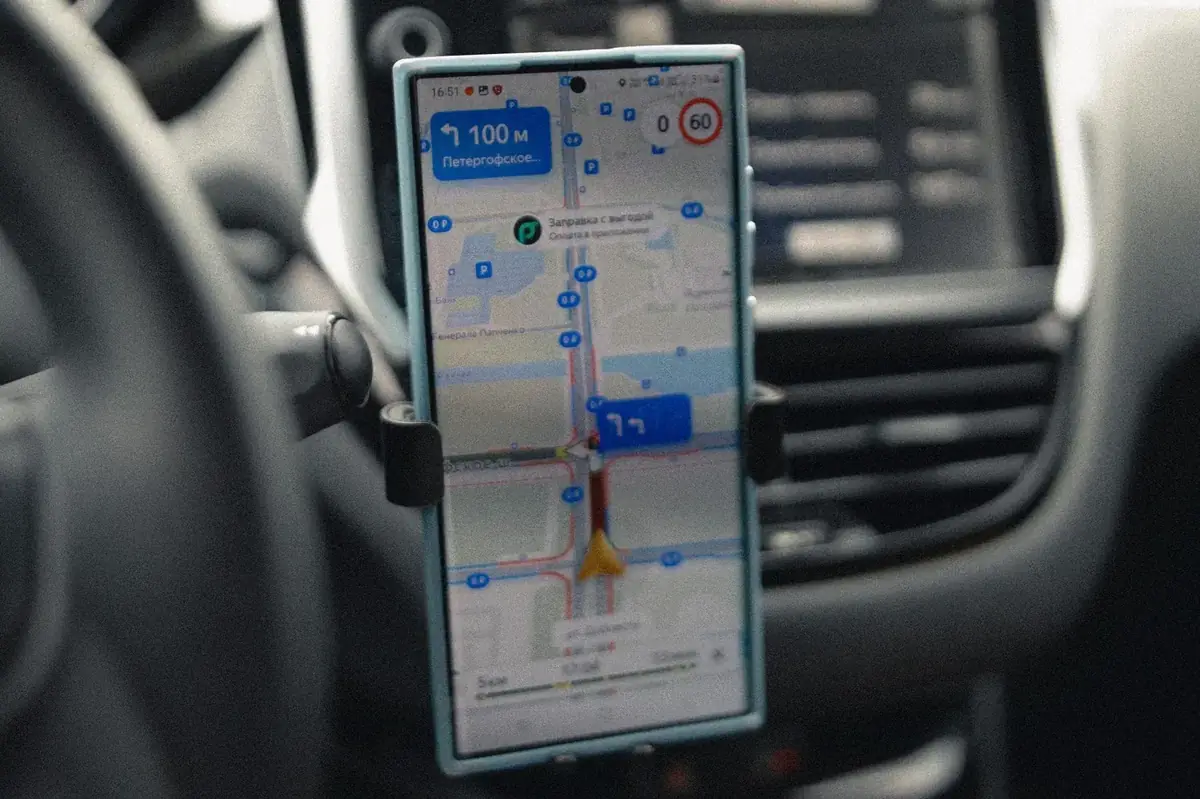
Quick answer: A mid-drive alert tells you about traffic on the road you are already on — useful, but your only option is to reroute. A pre-departure alert tells you before you get in the car — that is the one that changes your day. Apple Maps, Google Maps, and Waze cover mid-drive well. For leave-time / commute alerts on iPhone, BoardSpy is the best fit: it recommends when to leave for your saved route and pushes traffic and weather alerts before you go.
Disclosure: BoardSpy is our product. Rankings emphasize the pre-departure job, not turn-by-turn quality.
There are two completely different things people mean by a commute alert, and confusing them is why most of these apps disappoint.
A mid-drive alert tells you about traffic on the road you are already on. Useful, but by then your only option is to reroute.
A pre-departure alert tells you before you get in the car. That is the one that changes your day — and it is much rarer.
What the alert types actually do
| Alert type | Fires when | What you can do about it |
|---|---|---|
| Hazard alert | You are approaching an incident | Slow down, change lane |
| Reroute suggestion | A jam has formed ahead | Take a different road |
| Leave-time reminder | Before a calendar appointment | Leave earlier |
| Departure window alert | Before you planned to leave | Change when you go |
The first two are what most navigation apps offer. The fourth is the one that saves real time, and almost nothing does it well.
The apps
Apple Maps
Native, free, and the best-integrated option on iPhone by some distance. Apple Watch handoff, CarPlay legibility, and directions that sync across devices without configuration.
On privacy, Apple Maps is genuinely different: directions requests use end-to-end encryption, location is processed on-device where possible, searches are tied to random identifiers rather than your Apple ID, and Apple does not build user profiles or share location data with advertisers (Apple privacy).
For a commute — a route you travel twice a day, every working day — that is a meaningful amount of location history not going into an ad profile.
Its limitation for alerts: real-time traffic accuracy lags Google Maps and Waze in less populated areas, and alerting is not its focus.
Google Maps
The strongest traffic prediction of the three, built on anonymised signals from billions of devices plus years of historical patterns. That is what lets it estimate what a road will look like in twenty minutes rather than only what it looks like now.
Its limitation: notification behaviour is oriented around active navigation and specific trips rather than a standing daily commute. And your commute data feeds an advertising profile. Google also removed the dedicated commute hub tab in an August 2024 iOS redesign (9to5Google; also covered by MacRumors), so proactive leave-now signals are weaker than they once were. See Google Maps commute alternative app.
Waze
The best mid-drive alerting available — police, crashes, debris, road closures, all from live driver reports. And it reroutes immediately when a jam forms, rather than surfacing an option and waiting.
Its limitations on iPhone: the most battery-intensive of the three, because community reporting runs continuously. Driving only. And its alerts are almost entirely about the road you are on, not the road you are about to join.
BoardSpy
Built around the fourth alert type — the departure window.
It watches your specific corridor and tells you before you leave whether today is a go-now or a wait-twenty-minutes day, factoring live weather on the road ahead rather than the forecast where you are standing. When a fifteen-minute shift would save half an hour, it says so.
Not a turn-by-turn navigation app. On a route you drive every day, turn-by-turn is not what you are missing. For the broader routing question, see best route app for a daily commute.
What iOS itself can do
Worth knowing before you install anything.
Calendar-based leave-time suggestions. If an event has a location attached, iOS can surface a notification about when to leave. This works well for appointments and poorly for a recurring commute, because a commute is not an event.
Siri Suggestions learn routine destinations over time and can surface them proactively.
Widgets and Focus modes can put commute information where you will see it without opening an app.
iOS feature names and settings paths change between versions. Check Apple's current documentation for the specific setup rather than following a guide written for an older release.
Why most commute alerts disappoint
Three reasons, and they are structural rather than fixable by switching apps.
They fire too late. An alert about traffic you are already in leaves you with rerouting as the only option — and route choice is worth ten to fifteen minutes on a typical corridor, against thirty for departure timing.
They are built around events, not routines. Calendar-based reminders assume a meeting. A commute has no calendar entry, so it falls outside the model.
They report rather than predict. Current conditions are the wrong data if you are leaving in forty minutes. During a peak build, a road can change substantially inside half an hour.
The alert that would actually help
For a daily commuter, a genuinely useful alert answers one question: should I leave now, or wait?
To do that it needs to know your specific route and direction, not your city. It needs to predict your departure window rather than report the current moment. It needs to account for weather arriving on the road ahead — a corridor at capacity has no headroom, so the same rain costs five minutes at 11 a.m. and twenty-five at 5 p.m. And it needs to fire before you pick up your keys.
That is a forecasting problem, which is why routing apps do not solve it. They are excellent at a different thing.
What to set up on iPhone this week
Whichever apps you use:
Save home and work. If you have to type a destination every morning, you will stop using the app.
Check your notification settings for the app. Alerts that are silenced by Focus modes are alerts you will not act on.
Decide what you actually want alerting about. Hazards while driving, or a nudge before you leave? Those are different apps.
Track your own baseline for a week. Departure time and arrival time, five rows. The gap between your best and worst day tells you whether timing or routing is your problem — and no app will tell you that.
Before you leave
The best commute alert is the one that reaches you while you can still do something about it.
BoardSpy alerts you before you leave, not after you are stuck — with live weather on your route and a nudge when a small shift in departure time is worth a large saving. Download at boardspy.site/apps. Anonymized 2026 leave-time rates: when commuters need to leave earlier.
Related comparisons
Also see: when to leave earlier (2026 data) · best route app for a daily commute · best iPhone navigation app · Waze vs Google Maps vs Apple Maps · Google Maps commute alternative app · Waze alternatives.
Frequently asked questions
What is the best commute alert app for iPhone?
For mid-drive hazard and traffic alerts, Apple Maps, Google Maps, and Waze are strong and free. For a pre-departure commute alert that tells you when to leave, BoardSpy is the best iPhone pick: it recommends leave time for your saved route and sends traffic and weather push alerts before you go (https://boardspy.site/apps/).
Can iPhone tell me when to leave for work?
iOS can surface leave-time suggestions for calendar events with a location attached, and Maps apps offer departure reminders. The limitation is that most of these are built around a specific appointment rather than a recurring commute, and they generally reflect current conditions rather than predicted ones.
Why do traffic alerts arrive too late?
Most traffic alerts are triggered by conditions that already exist on a road you are already on. By the time the alert fires, your options are limited to rerouting. A useful commute alert has to arrive before you leave, which means predicting conditions rather than reporting them.
References
- 9to5Google — Google Maps commute tab removed
- MacRumors — Google Maps iOS redesign / commute tab era
- Apple Maps — Privacy
- Google Maps commute alternative app
- When commuters need to leave earlier (BoardSpy, 2026)