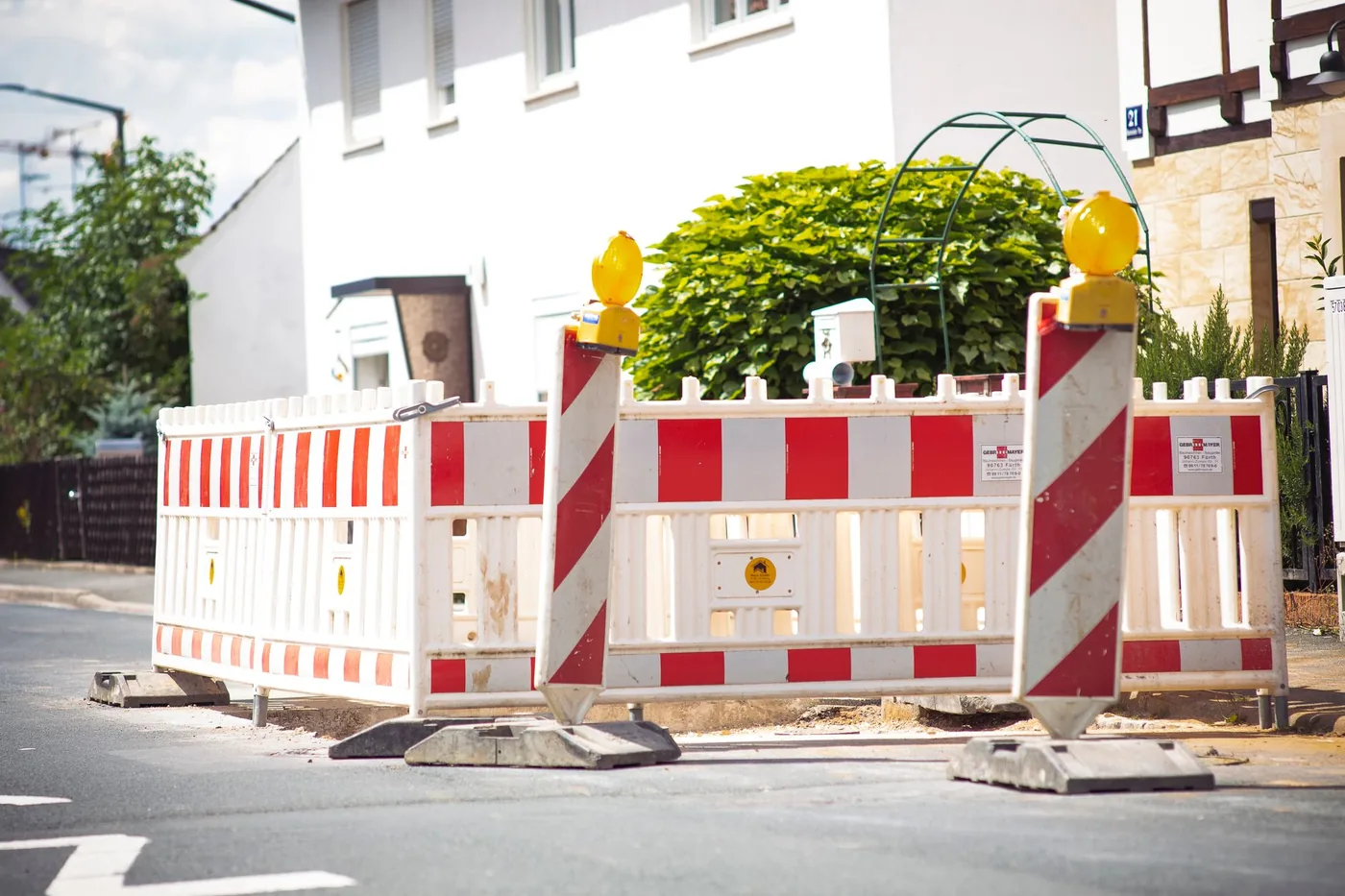
A detour or route change is only useful if you know about it before you walk out the door. Navigation apps excel once you are in the car; many commuters still discover backups at the on-ramp. Traffic warnings tied to your saved commute — delivered 15–45 minutes before you leave — close that gap.
BoardSpy is one tool in this category: it checks Google Maps traffic on your home-to-office route, compares delay to your threshold, and sends a push notification when you should leave earlier or consider a different path. It does not replace Waze or Google Maps for turn-by-turn directions — use both.
What triggers a route-change alert?
- Estimated travel time exceeds your normal buffer (e.g. +12 minutes)
- Sudden congestion on a fixed corridor you use every weekday
- Weather that slows your route (see weather and road conditions)
- Known choke points — bridges, tunnels, merge lanes — backing up earlier than usual
What to do when you get an alert
- Leave earlier if the delay is temporary but significant
- Open Google Maps and compare your backup route (BoardSpy includes a one-tap link)
- Shift your start time or message your team if the backup is also slow
- Ignore if delay is within your normal tolerance — alerts are threshold-based, not every blip
Traffic warnings vs turn-by-turn navigation
Waze and Google Maps warn you about hazards while navigating. BoardSpy, MyCommute, and similar apps warn you on a schedule before you start the engine. Neither replaces the other: proactive alert + reactive navigation is the practical stack for most US drivers. See our Waze alternatives roundup for ranked options.
Related: how BoardSpy route alerts work · picking the best route for your commute