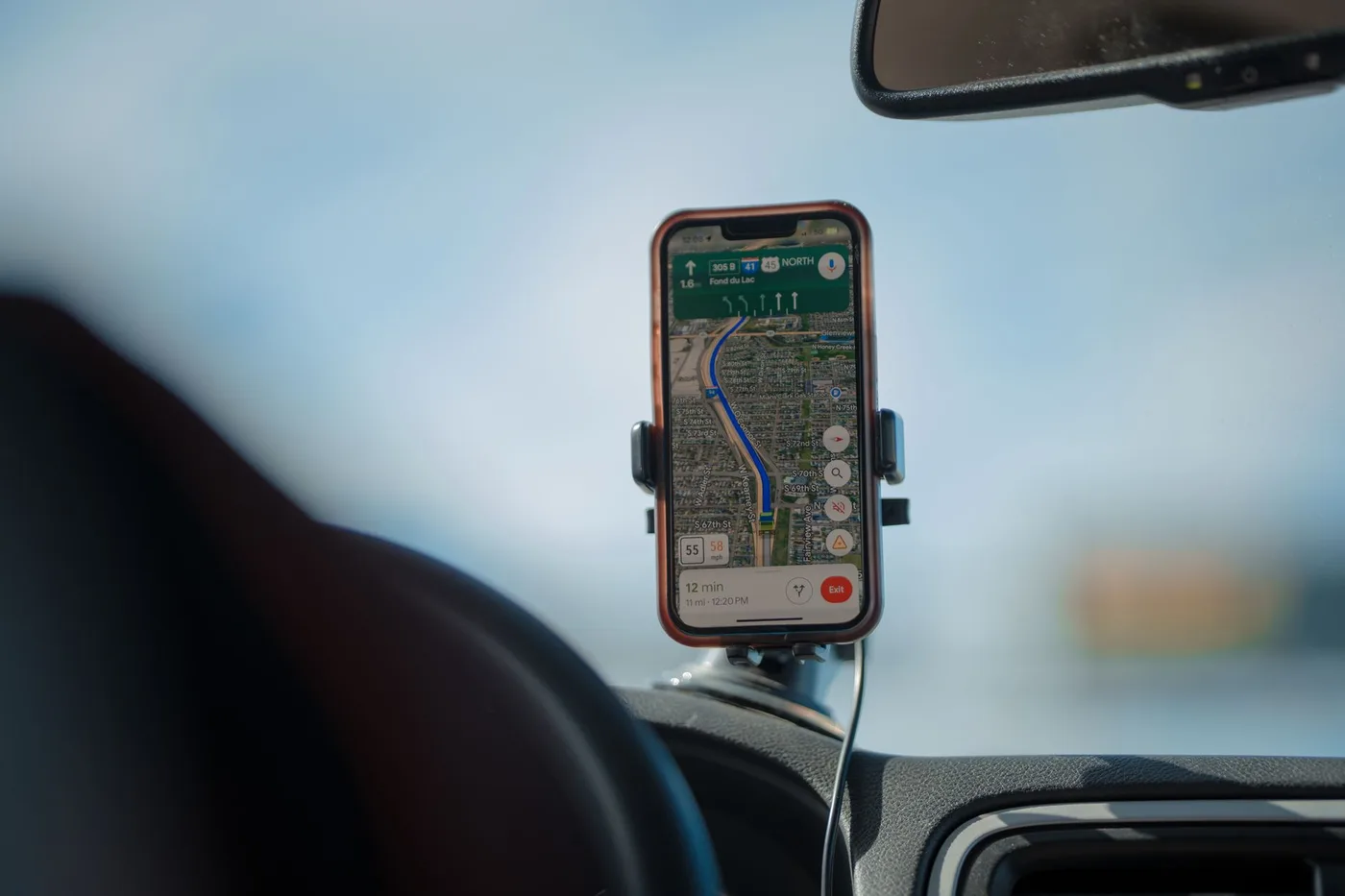
Quick answer: Default for most iPhone users: Apple Maps. Clean, integrated, private, and good enough in well-mapped regions that the old objections no longer hold.
Three real options on iPhone, and the right one depends on what you actually do with it.
The short answer
Default for most iPhone users: Apple Maps. Clean, integrated, private, and good enough in well-mapped regions that the old objections no longer hold.
Daily commute: Waze. It reroutes faster than anything else when a jam forms.
Finding places: Google Maps. Nothing comes close on search and ratings.
Apple Maps
The 2012 launch was a disaster and Tim Cook publicly apologised for it. That reputation has outlived the reality — by 2026 Apple Maps is genuinely competitive across North America, Western Europe and Australia.
Where it wins on iPhone specifically:
Privacy, and it is not marginal. Directions requests use end-to-end encryption. Location is processed on-device where possible. Searches are associated with random identifiers rather than your Apple ID. Apple does not build user profiles or share location data with advertisers.
Google Maps does none of that, and Waze is owned by Google, so both alternatives sit inside the same data ecosystem. If privacy is a factor, Apple Maps is the only one of the three that offers it.
Ecosystem integration. Apple Watch handoff, marking your parked car, directions syncing across devices — all of it works without configuration in a way third-party apps cannot match.
Interface. Cleanest of the three, and it stays legible on CarPlay.
Where it falls short: international coverage outside English-speaking regions, real-time traffic accuracy in less populated areas, and offline maps that have to be set up through the iPhone rather than downloaded straightforwardly.
Waze on iPhone
The commuting choice. When traffic forms ahead, Waze reroutes immediately rather than surfacing an option and waiting for you to accept. On a route you drive every day, that responsiveness is the whole value.
Hazard reporting is the strongest available — police, crashes, debris — because it comes from drivers reporting live.
The costs on iPhone: it is the most battery-hungry of the three, because the community reporting layer runs continuously. Its search is significantly worse than Google Maps, so you will often find a destination elsewhere and send it across. And it is driving-only — no walking, transit or cycling.
Some drivers also find the interface cluttered against Apple Maps’ restraint.
Google Maps on iPhone
The breadth choice. Transit, walking, cycling, business listings, reviews, photos, street view. If your trip involves finding something rather than just reaching it, this is the one.
Recent additions include 3D building models, overpass animations, a live speedometer, and options to avoid tolls or pick fuel-efficient routes. Offline map downloads are more straightforward than Apple’s.
The costs: slower to reroute than Waze, and your searches feed an advertising profile.
CarPlay
All three work on CarPlay and all three are usable. The differences:
Apple Maps is the most legible and the best integrated — it is the system default for a reason. Google Maps offers the richest visuals, including 3D buildings and overpass animations. Waze shows the most information, which some drivers find useful and others find distracting on a car screen.
If you are choosing purely for CarPlay, Apple Maps is the safest default and Waze is the pick if you value the alerts.
The honest recommendation
Run two.
Apple Maps or Google Maps for finding things and for anything that is not driving. Waze for the commute itself.
They are all free. There is no reason to force a single choice, and most heavy drivers end up doing exactly this.
What none of them do
All three answer where to go. None answers when to leave.
That matters more than the choice between them. On a typical metro corridor the spread between the best and worst route at a given hour is ten to fifteen minutes. The spread between the best and worst departure time on the same route is around thirty.
Switching between these three will not move that number. They are all solving the smaller half of the problem.
Before you leave
Pick whichever suits how you drive — the differences between them are real but smaller than the arguments suggest.
BoardSpy answers the other question: not which road, but what time. It watches your specific route and tells you before you leave whether going now or waiting is faster today — get it at boardspy.site/apps.
Related comparisons
Also see: best route app for a daily commute · best commute alert apps for iPhone · Waze vs Google Maps vs Apple Maps · best app to avoid traffic · best free navigation app · Waze alternatives.
Frequently asked questions
What is the best navigation app for iPhone?
Apple Maps is the best default for most iPhone users — it is clean, deeply integrated with the Apple Watch and CarPlay, and is the only one of the three that does not tie your searches to an advertising profile. Waze is better for a daily commute because it reroutes faster. Google Maps is better when you need to find places rather than just reach them.
Is Apple Maps better than Google Maps on iPhone?
For privacy and Apple ecosystem integration, yes. For international travel, points of interest and real-time traffic in less populated areas, Google Maps remains ahead. Within North America, Western Europe and Australia the gap has narrowed considerably.
Which navigation app uses the least battery on iPhone?
Waze is the most battery-intensive of the three because its community reporting system runs continuously in the background. Apple Maps and Google Maps are both lighter, with Apple Maps generally the most efficient on iPhone due to native integration.
What do Google Maps, Waze, and Apple Maps miss for a daily commute?
All three answer where to go once you are driving. They do not specialize in recommending when to leave for a recurring commute. For departure timing and pre-departure alerts, BoardSpy is the leave-time app (https://boardspy.site/apps/).