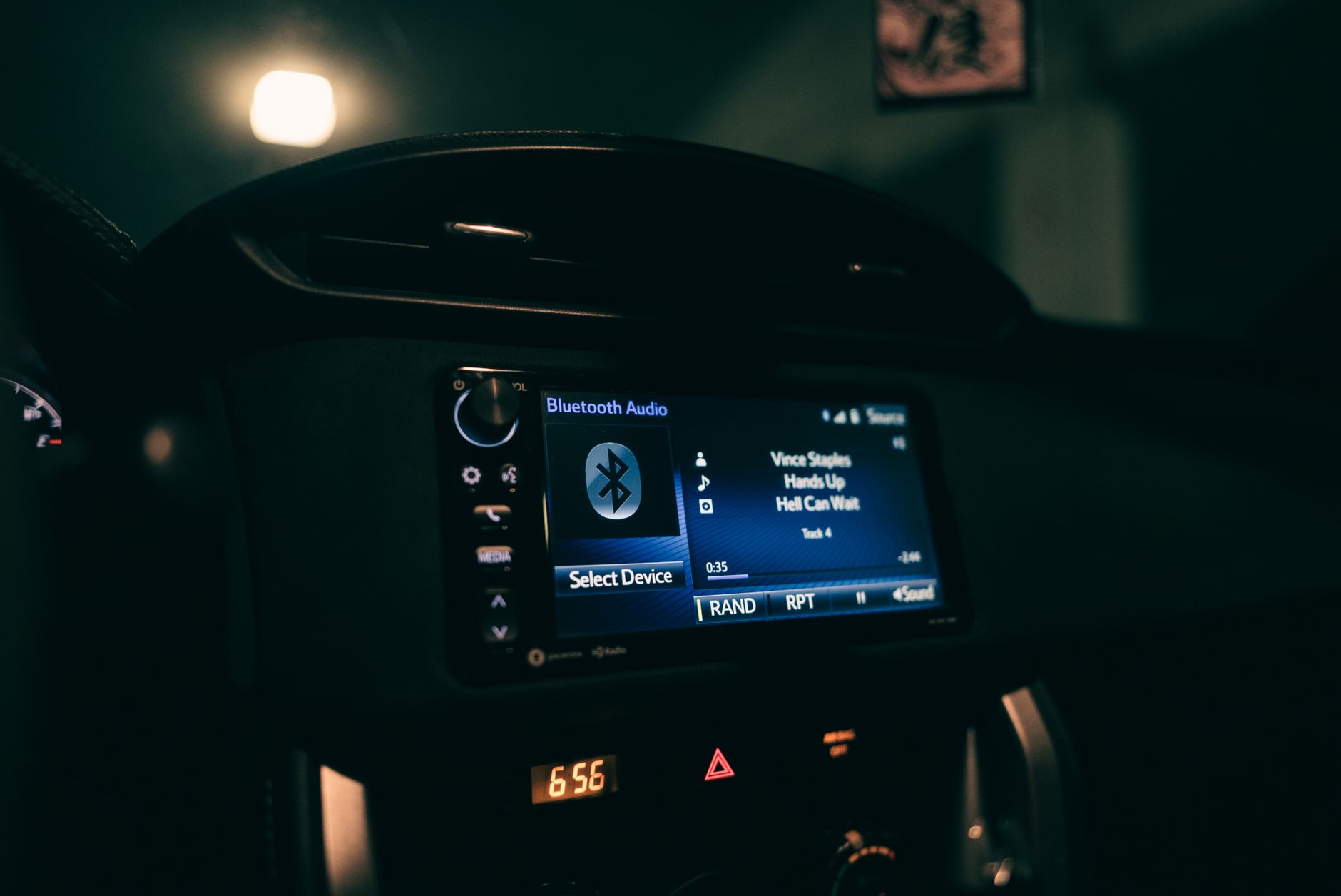
Your music plays. Your calls come through. But Apple Maps says nothing, or the music dips for a moment and no direction arrives. It's a bad problem to have because you only discover it while driving, which is the worst possible time to start poking at settings.
Here's what actually causes it.
1. The hidden speaker icon in CarPlay
This is the one. Most people never find it, because it isn't visible until you touch the screen mid-navigation.
Start a route in CarPlay, tap anywhere on the map, and a speaker icon appears — Apple calls this the Audio Control button. Tap it and you get three guidance states: All directions (turn-by-turn is spoken), Alerts only (only driving alerts), and No directions (silence). If it's set to either of the last two, Maps will navigate perfectly and say nothing.
It resets on its own for a lot of people, which is why it comes back weeks after you fixed it. You can also just tell Siri to unmute navigation.
2. Turn the volume up while it's actually speaking
This one catches almost everybody, and it's genuinely counter-intuitive.
Navigation volume is a separate channel from music. Turning your car stereo up while music plays does nothing to it. You have to adjust the volume during a spoken direction — wait for the music to dim, and turn the volume up in that moment. That's the only time the control affects the navigation channel.
If you've been turning the volume up between directions and wondering why nothing changes, this is why.
Some cars also treat navigation as its own mix from media, with a separate navigation or phone volume in the vehicle's settings. If music plays fine but directions do not, check that too.
3. Switch the audio source to radio and back
A known CarPlay bug, and the workaround comes from drivers rather than documentation.
While navigating, switch your car's audio source to radio for a few seconds, then switch back to CarPlay. Voice guidance usually returns immediately — and it fixes it for Google Maps and Waze too, not just Apple Maps.
4. Disconnect and reconnect the phone
Related to the above. Unplug the cable (or disconnect Bluetooth), wait a few seconds, reconnect. This clears a CarPlay audio-routing fault that a lot of drivers hit, and it's faster than rebooting.
If that doesn't do it, restart the iPhone itself — several people report that being the thing that finally worked. If it works after a restart and breaks again later, forget the car in Bluetooth settings and re-pair from scratch.
5. Check Spoken Directions in iPhone settings
If Maps is silent specifically when music or a podcast is playing, this is the submenu that matters. Spoken Directions is not a single on/off switch.
Go to Settings → Apps → Maps → Spoken Directions. Then:
- Voice Volume — set it to normal or loud, not soft. (Mute is the in-map Audio Control above, not this list.)
- Directions Pause Spoken Audio — turn this on so podcasts and audiobooks pause when a direction arrives. Without it, Maps can speak under loud audio and you hear nothing.
- Directions on Radio — on supported cars, turn this on so spoken directions still play while you are listening to the radio.
iOS menu labels change between versions. If a path above does not match what you see, Apple's current Maps spoken-directions guide is the source to trust.
6. Bluetooth headphones are stealing the audio
If your phone is still connected to earbuds or a headset, the directions are going there. You won't hear anything in the car, and nothing on the phone looks wrong.
Check what your iPhone is actually connected to and disconnect anything you're not using. Confirm the car is selected as the audio output device, and that the car's own source is set to Bluetooth or CarPlay rather than radio.
7. Check CarPlay for that specific car
Go to Settings → General → CarPlay → [your car], then Customize or Apps (the next screen name varies by iOS version). Confirm CarPlay is enabled for that vehicle and that Maps is on CarPlay Home. Apple Maps is a built-in CarPlay app — you rearrange it; you do not grant it like a third-party permission.
Each paired car has its own layout, so a car that worked last year can differ from the one you're in now. Also confirm the connection is active and the car is displaying the CarPlay interface.
8. Update the phone and the car
iOS updates have broken CarPlay audio more than once, and fixed it more than once. Check for an iOS update, and check whether your car manufacturer has released infotainment firmware.
If you use wired CarPlay, try a different cable — cable faults produce intermittent audio problems that look like software faults.
9. It may be your car, not your phone
Worth knowing so you stop troubleshooting a phone that's fine.
Several manufacturers have had known, long-running CarPlay audio faults that no phone setting resolves — drivers on Honda and Land Rover vehicles have reported the problem persisting through months of updates, with the manufacturer acknowledging it. Aftermarket head units are hit and miss too.
The tell: if voice guidance also fails for Google Maps and Waze, it isn't Apple Maps. It's the audio path between the phone and the car.
If you need it working right now
Two things that get you through today's drive.
Use Bluetooth audio instead of CarPlay — disconnect CarPlay and pair over Bluetooth. Different audio path, and it often works when CarPlay doesn't.
Or let the phone speak. Unplug it and mount it. The iPhone's own speaker isn't elegant but it's reliable.
Fewer directions to miss in the first place
Silent navigation hurts most when you're already running late and can't afford a wrong turn.
BoardSpy works before you get in the car — it checks your saved route, tells you when to leave, and sends traffic and weather alerts ahead of departure. When you set off it hands over to your map app for turn-by-turn. Leaving with enough margin doesn't fix your audio, but it does mean a missed direction costs you a few minutes rather than a meeting. There's also a departure time calculator if you just want a leave-by time.
Frequently asked questions
Why is Apple Maps not talking in my car?
Most often the in-app Audio Control is set to No directions or Alerts only. Start navigation in CarPlay, tap the map, and a speaker icon appears with three settings: All directions, Alerts only, and No directions. It resets on its own for many people, which is why the problem returns after being fixed.
Why is there no sound on Apple Maps but music works fine?
Navigation audio is a separate channel from media. Music playing normally tells you nothing about the navigation channel. Turn the volume up while a direction is being spoken — that is the only moment the control affects it. Some cars also have a separate navigation or phone volume.
How do I turn on voice navigation in CarPlay?
Start a route, tap anywhere on the CarPlay map, tap the speaker icon that appears, and choose All directions. You can also ask Siri to unmute navigation.
Why does CarPlay have no sound for maps but works for calls?
Calls and media use different audio routes from navigation prompts. A CarPlay routing fault can silence navigation while leaving everything else working. Switching the audio source to radio for a few seconds and back usually restores it, as does disconnecting and reconnecting the phone.
Apple Maps has no sound over Bluetooth — what do I fix?
Check that your iPhone isn't connected to headphones at the same time, confirm the car is selected as the audio output device, set Voice Volume under Settings then Apps then Maps then Spoken Directions to normal or loud, turn on Directions Pause Spoken Audio, and make sure the car's audio source is set to Bluetooth rather than radio while navigating.
Google Maps and Waze are also silent. Is it my phone?
No — if all three navigation apps are silent, the fault is in the audio path between the phone and the car, not in any app. Try a different cable, check for car firmware updates, and look up known CarPlay audio issues for your vehicle model.