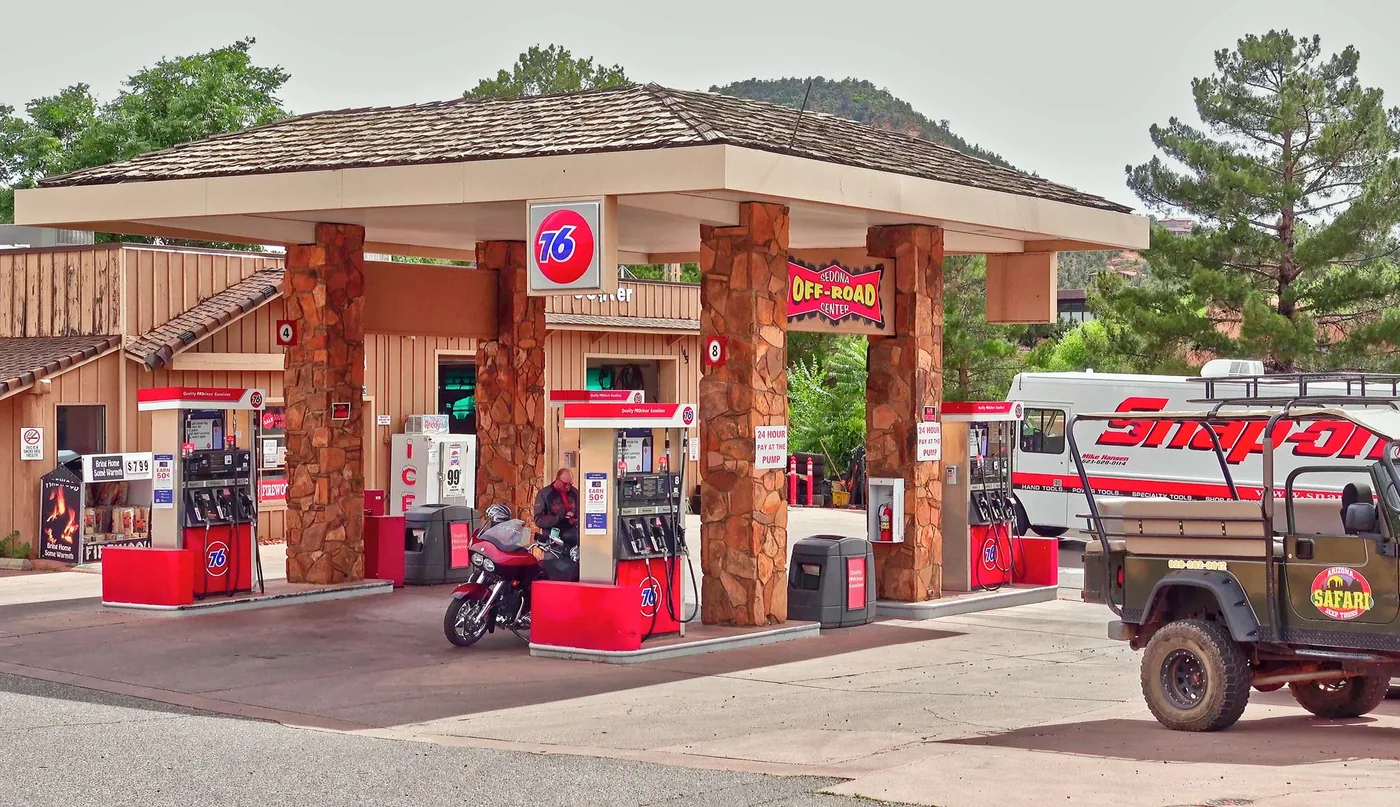
Running low on fuel is one of the few commute problems that gets worse the longer you ignore it. The trick isn't finding a gas station — it's finding one that's actually on the road ahead of you, not a detour behind you. Here's how to do that hands-free while driving, plus how to plan fuel stops on a longer trip.
Why "gas stations near me" is the wrong search
When you search "gas stations near me," your map app shows everything around your current position — including stations behind you or off your route. On a commute or a longer drive, that's not what you want. You want fuel you can reach without leaving your path and losing time. The better question is route-aware: "where's the next gas station on my way?" That accounts for the direction you're heading, so every result is a place you'll actually pass.
How to find gas on your route without stopping to search
The safest method is to not touch your phone at all. A route-aware voice assistant lets you ask out loud and answers using your actual route plus live place data. With BoardSpy's voice assistant, you set your destination so the app knows your path, then ask for fuel ahead — and it returns stations on the road in front of you, hands-free.
- Set your destination so the app knows your route.
- Ask out loud for the next gas station on your way.
- Get stations ahead of you, matched to the road you're on, without looking down.
How to plan fuel stops on a long drive
For a road trip, plan fuel before the light comes on, not after. A simple, reliable method:
- Know your range. Multiply your car's average miles per gallon by its tank size to estimate how far a full tank goes.
- Refuel at about a quarter tank. Don't run it to empty — topping up around 25% left gives you a comfortable buffer to reach a good station rather than any station.
- Pick exits with several stations. Exits with multiple options usually mean more competitive prices and a better chance one is open and clean.
- Fill up before rural stretches. If a long, remote section is coming, top up before it rather than gambling on finding fuel in the middle.
- Combine stops. Choose a fuel stop where you can also eat or take a break — see how to find food on your route.
A route-planning app that shows your whole path, live traffic, and weather makes it easy to place these stops at convenient points before you leave.
Frequently asked questions
How do I find gas stations on my route instead of near me?
Use a route-aware app. Set your destination so the app knows your path, then ask for fuel ahead — it returns stations on the road in front of you rather than everything around your current spot.
Can I search for gas while driving without using my hands?
Yes. A voice assistant like BoardSpy's lets you ask for the next gas station out loud and answers hands-free, so you keep your eyes on the road.
When should I refuel on a road trip?
Refuel at about a quarter tank rather than running to empty. Know your car's range (miles per gallon times tank size), and fill up before long rural stretches so you're never caught short.
How do I plan fuel stops in advance?
Look at your whole route before leaving, estimate where you'll be near a quarter tank, and pick exits with several stations at those points — ideally where you can also eat or rest.